
Your smart home,
without a server at home.
The official Home Assistant, complete and private, with its own HTTPS address, MQTT broker and disk. We set it up and look after it: you just sign in and connect your devices.
30 days free. We will email you on launch day.
Your home on your phone, anywhere.
No VPN and no open ports. Your own address with a valid certificate.
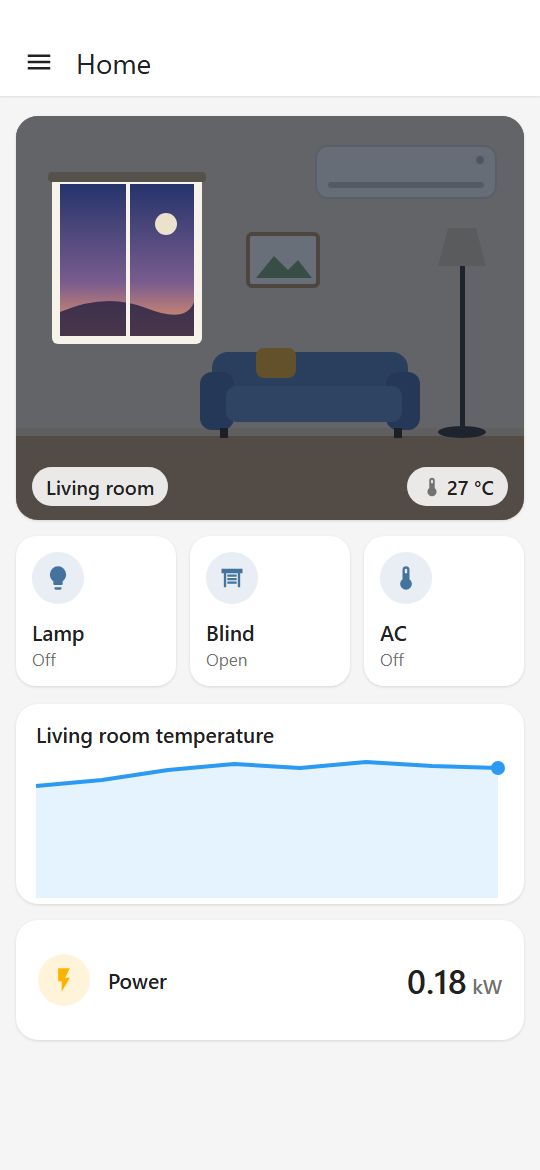
Home Assistant is the most open way to automate your home. The hard part was always the server: the Raspberry Pi, the SD card, the backups, remote access. We take care of that.
Get a link and create your user.
Join the waitlistEverything you need,
nothing to maintain.
The official Home Assistant, unmodified.
The same version you would run at home, with Marketplace for community integrations. Update with one button whenever you like, with automatic rollback if the new version does not start.
Home Assistant is a trademark of its owners. We are not affiliated with Nabu Casa.
MQTT broker with TLS
Ready for Tasmota, Shelly and ESPHome, with the integration already set up.
No passwords by email
You get a personal link and create your own user in Home Assistant.
Automatic backups every day
We keep the last 7 days, encrypted and in the EU. And you can download one whenever you like.
Your data, in the region you choose.
Amsterdam or Frankfurt to stay in the EU, or London, New York, San Francisco, Toronto, Singapore, Bangalore and Sydney.
Support from people, in English and Spanish.
By email at support@coiaca.com. No device limit.
From the blog
Practical Home Assistant guides, tested in real homes.
- Home Assistant for beginners: the questions everyone asks before starting
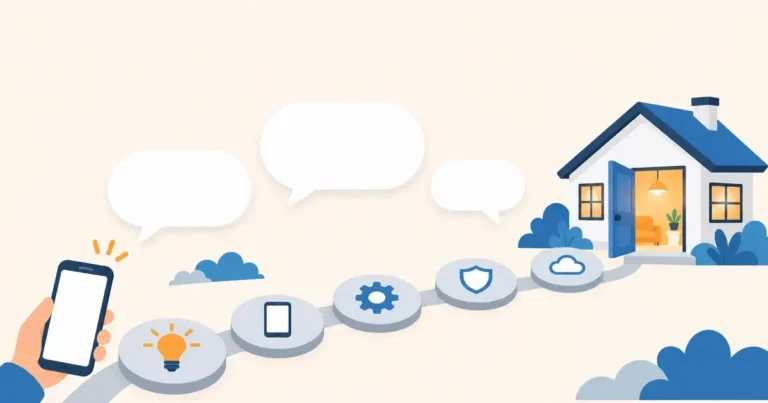 What it is, what it costs, whether you need to code, whether it works with your devices and what you need to get started. Short, jargon-free answers.
- Webhooks in Home Assistant: trigger automations from any internet service
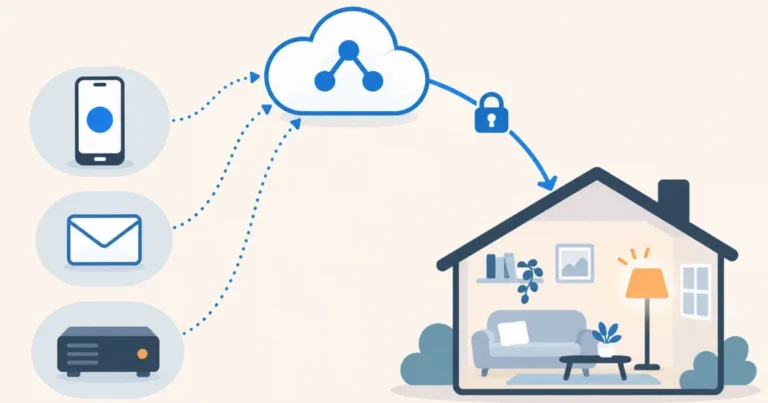 What a webhook is, how to create your first one in Home Assistant step by step, how to use the data that comes in, four ideas to start with and the security rules. In the cloud they work with no open ports.
- Control your air conditioner and TV over infrared with a cloud Home Assistant
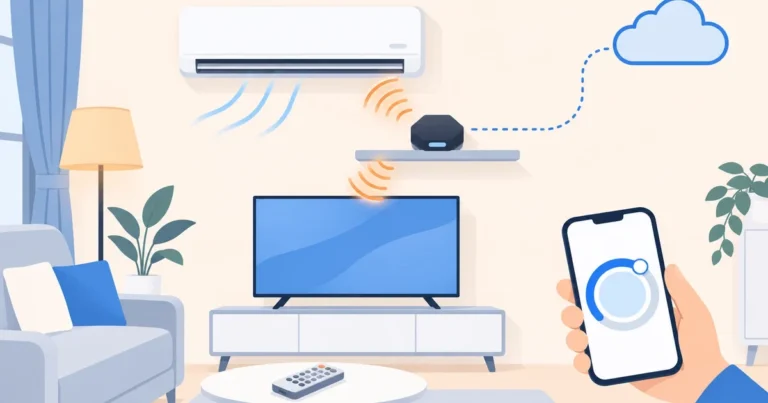 How to control your air conditioner, TV and other infrared appliances from your phone with a Tasmota blaster and Home Assistant in the cloud, and how to turn the air conditioner into a thermostat that reads the room’s real temperature.
Be one of the first.
Leave us your email and we will let you know when Coiaca Cloud HA launches.
Count me in